Design steps shown in the 3D court designer
Designing a basketball court is about more than choosing colours or drawing lines. It’s the stage where space constraints, layout rules, surface options, and equipment choices come together in a usable plan.
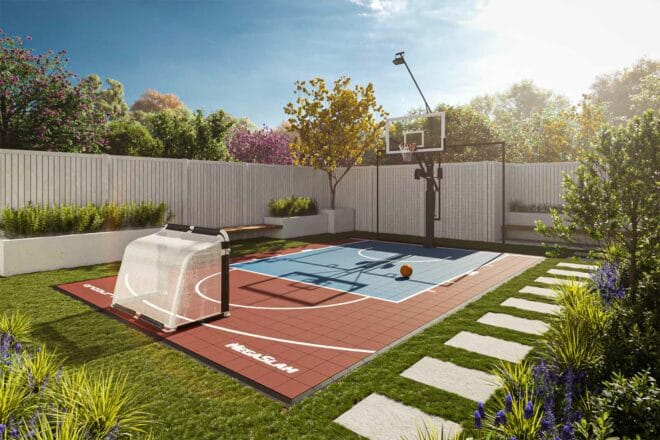
This 1 minute walkthrough shows how the OnCourt 3D Basketball Court Designer is used to translate early ideas into a coherent, build-ready court design.
1. Selecting a surface system
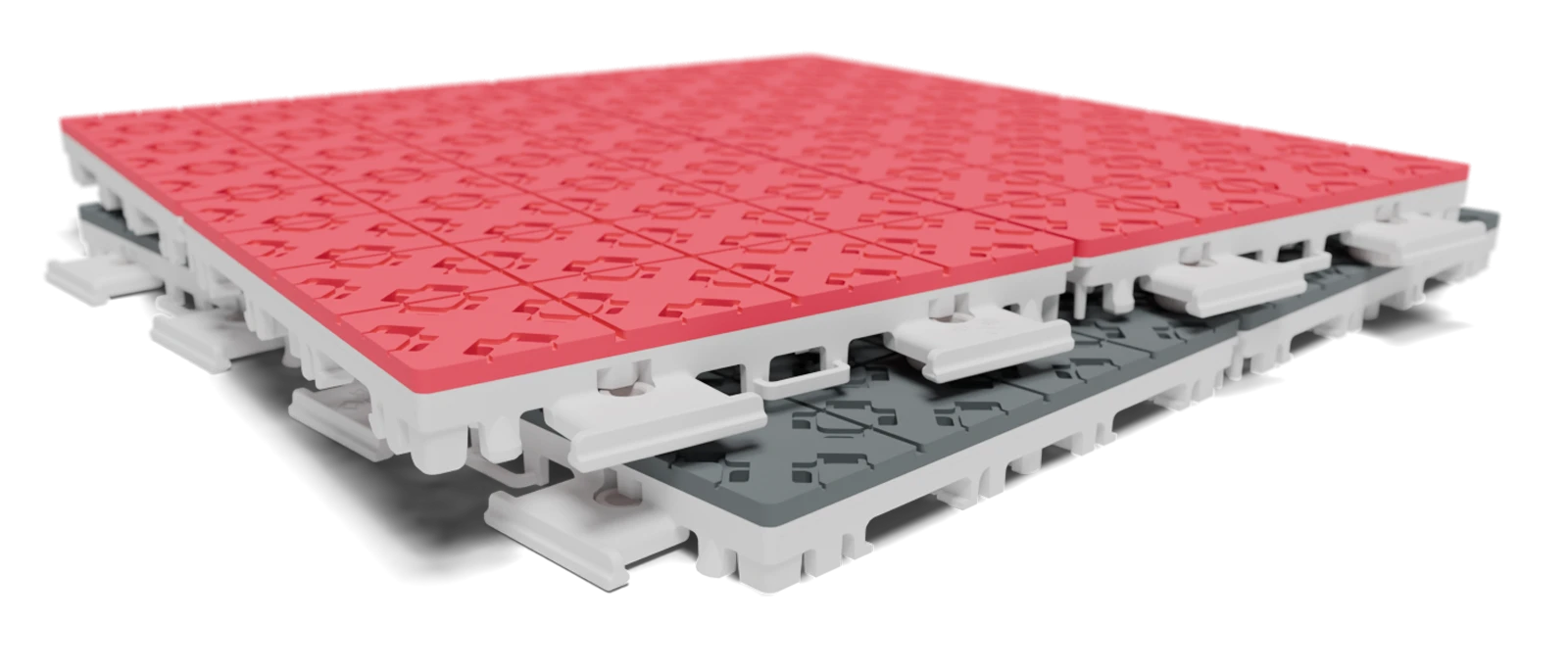
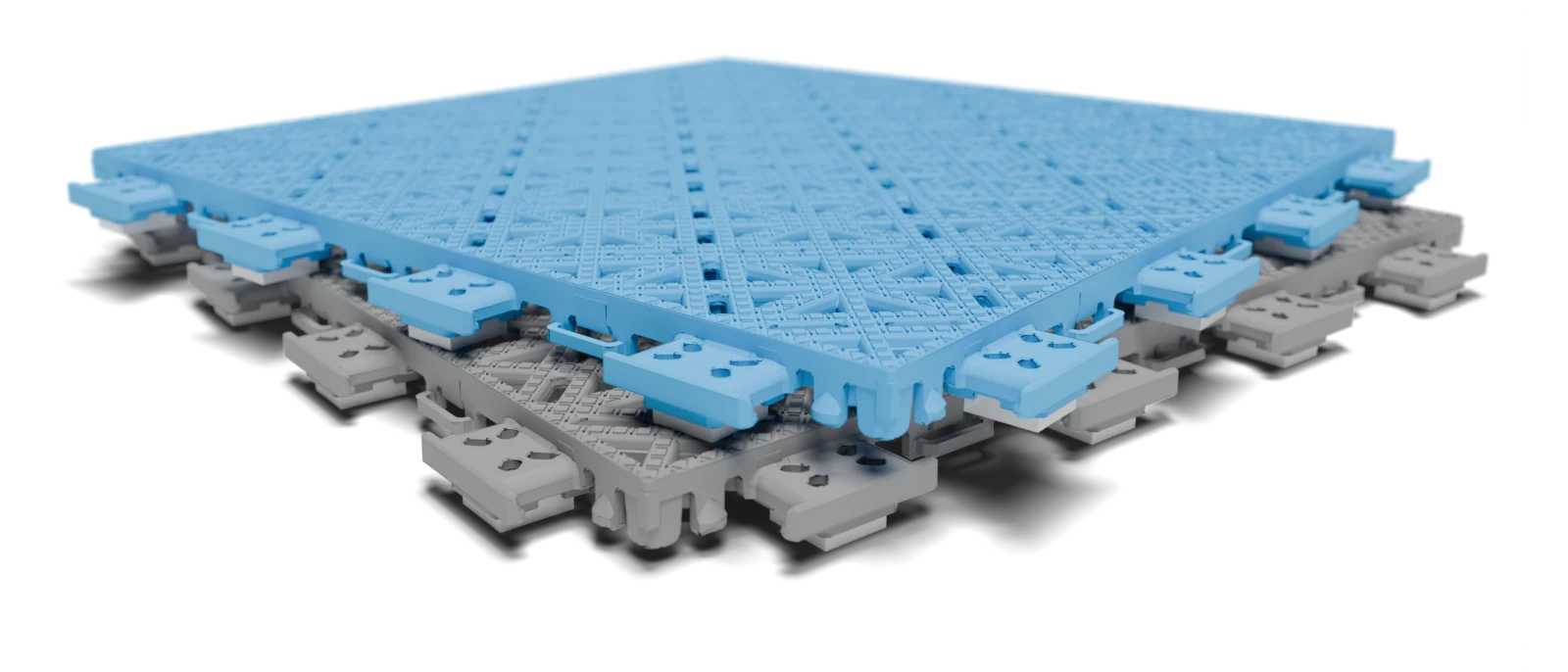
The process begins by choosing a court surface, establishing the performance characteristics and visual foundation of the design.
2. Adjusting court dimensions
Court length, width, and overall footprint are refined to match the available space while maintaining playable proportions.
3. Choosing colours and zones
Surface colours are applied to define the playing area, run-off zones, and visual boundaries, improving readability and contrast.
4. Editing line markings
Court markings are adjusted to suit the chosen layout, ensuring lines align correctly with the final dimensions and intended use.
5. Adding logos or artwork
Custom graphics are introduced to personalise the court and integrate branding or visual identity into the design.
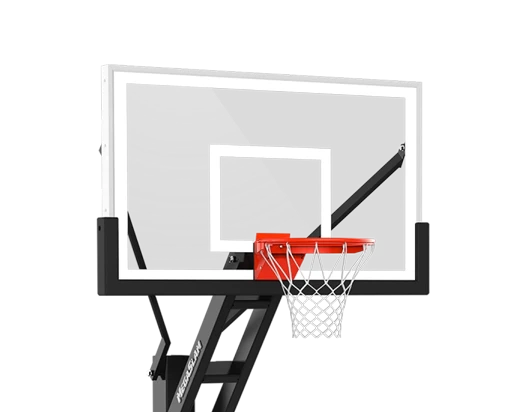
6. Selecting a basketball hoop
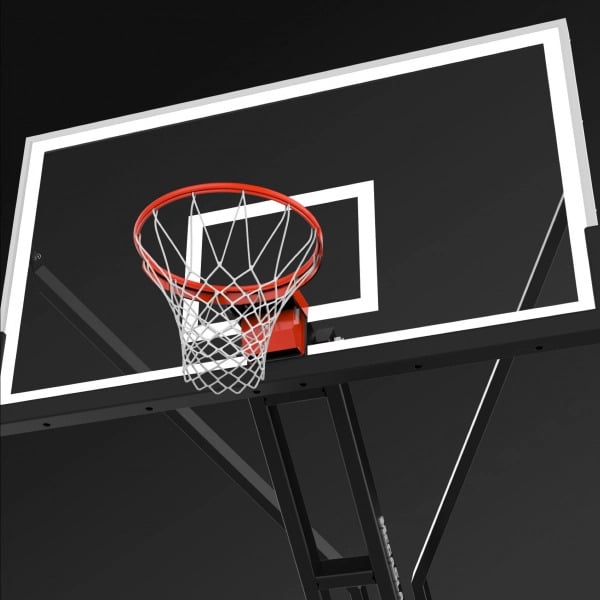
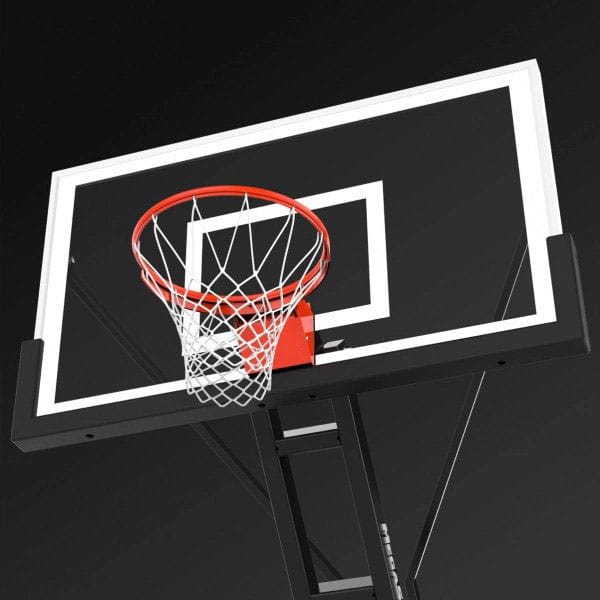
A hoop system is chosen and positioned in context, allowing clearances, offsets, and orientation to be assessed visually.
7. Adding hoop accessories
Optional accessories are added to the hoop setup, resolving how additional components fit within the space.
8. Including additional sports
Extra sports configurations are enabled, showing how a single surface can support multi-sport use without compromising basketball play.
How 3D design fits into court planning
The 3D design stage sits between technical layout decisions and final specification. Before designing in 3D, core constraints such as available space, court dimensions, and clearances should already be understood.
Designing visually allows these constraints to be tested together before committing to materials or equipment, reducing rework later in the build process.
Planning an outdoor basketball court
Basketball court installation guides
Design decisions you can resolve in 3D
- Balancing playable area with run-off and circulation space
- Choosing surface colours and patterns that clearly define play zones
- Positioning hoops to maintain safe clearances and usable sightlines
- Understanding how equipment integrates with the surrounding environment
Next Steps
Design works best when you start with something tangible.
Now you’ve seen how the design process works, starting from a familiar court configuration can make it easier to explore options in the 3D designer.
The starting designs below are intended as jump-off points, not finished solutions. Each one reflects a common court type or spatial constraint, giving you something concrete to react to before refining dimensions, colours, surfaces, and equipment in the 3D designer.
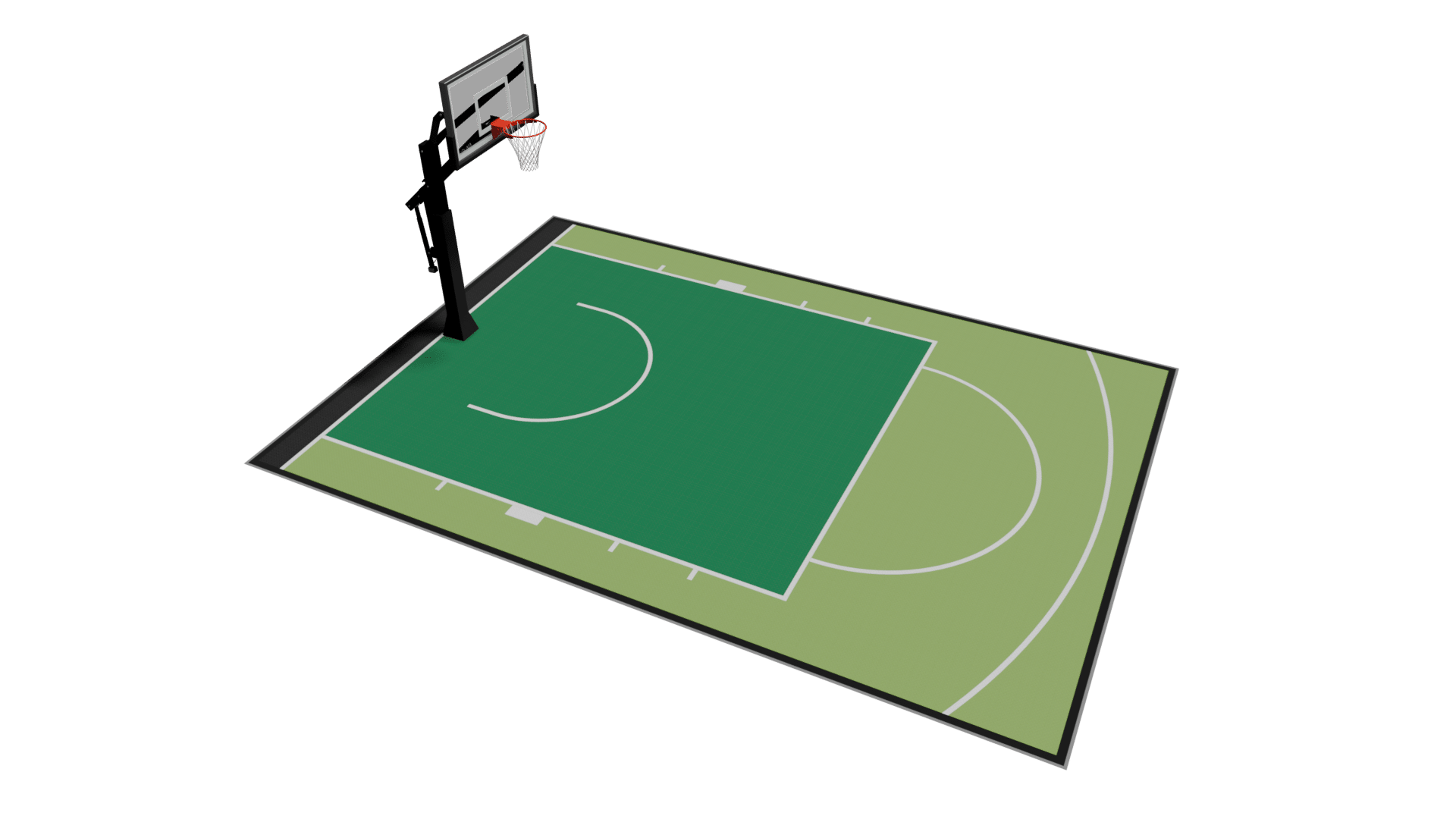
6 x 9 m
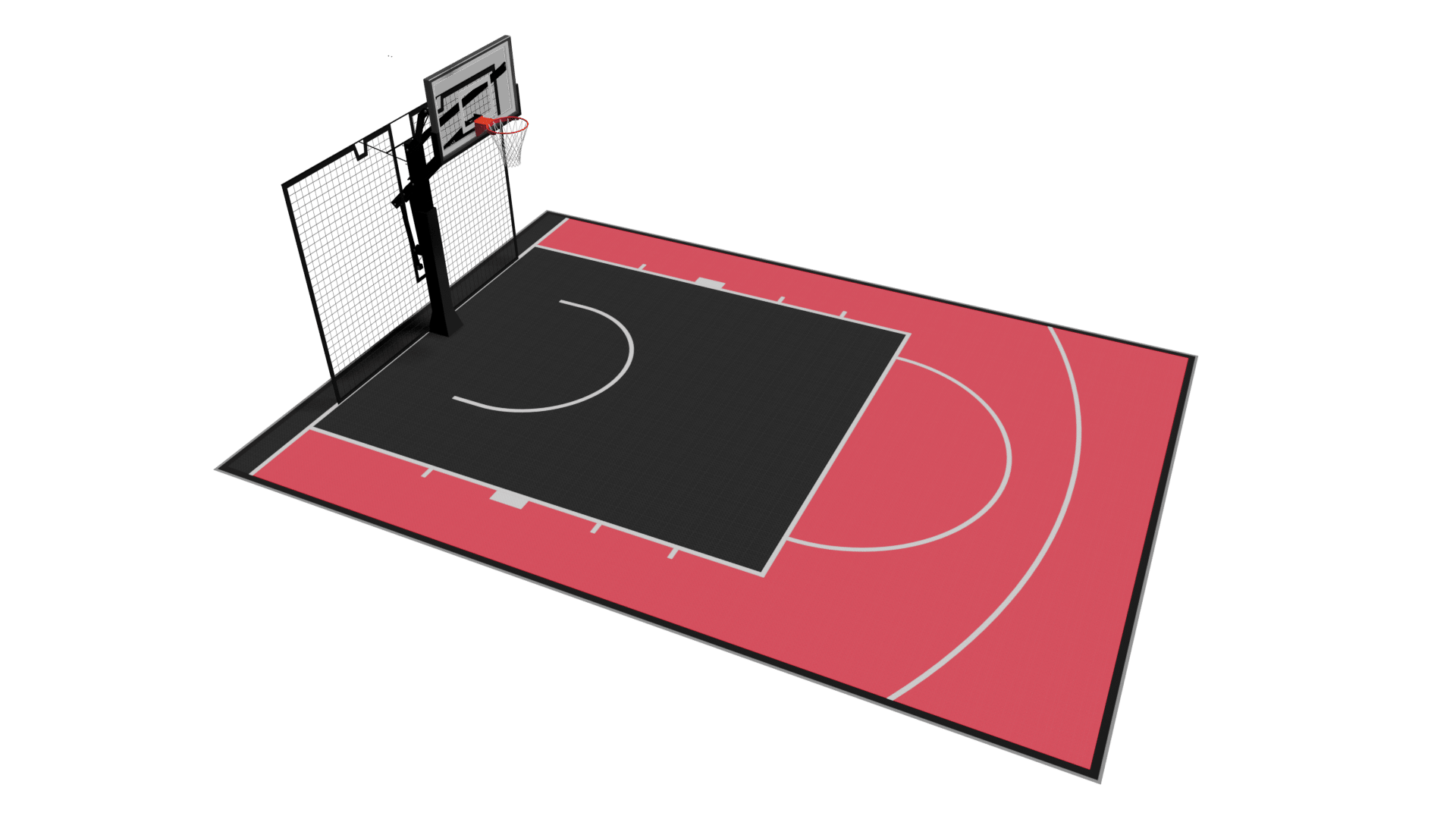
7 x 9.5 m
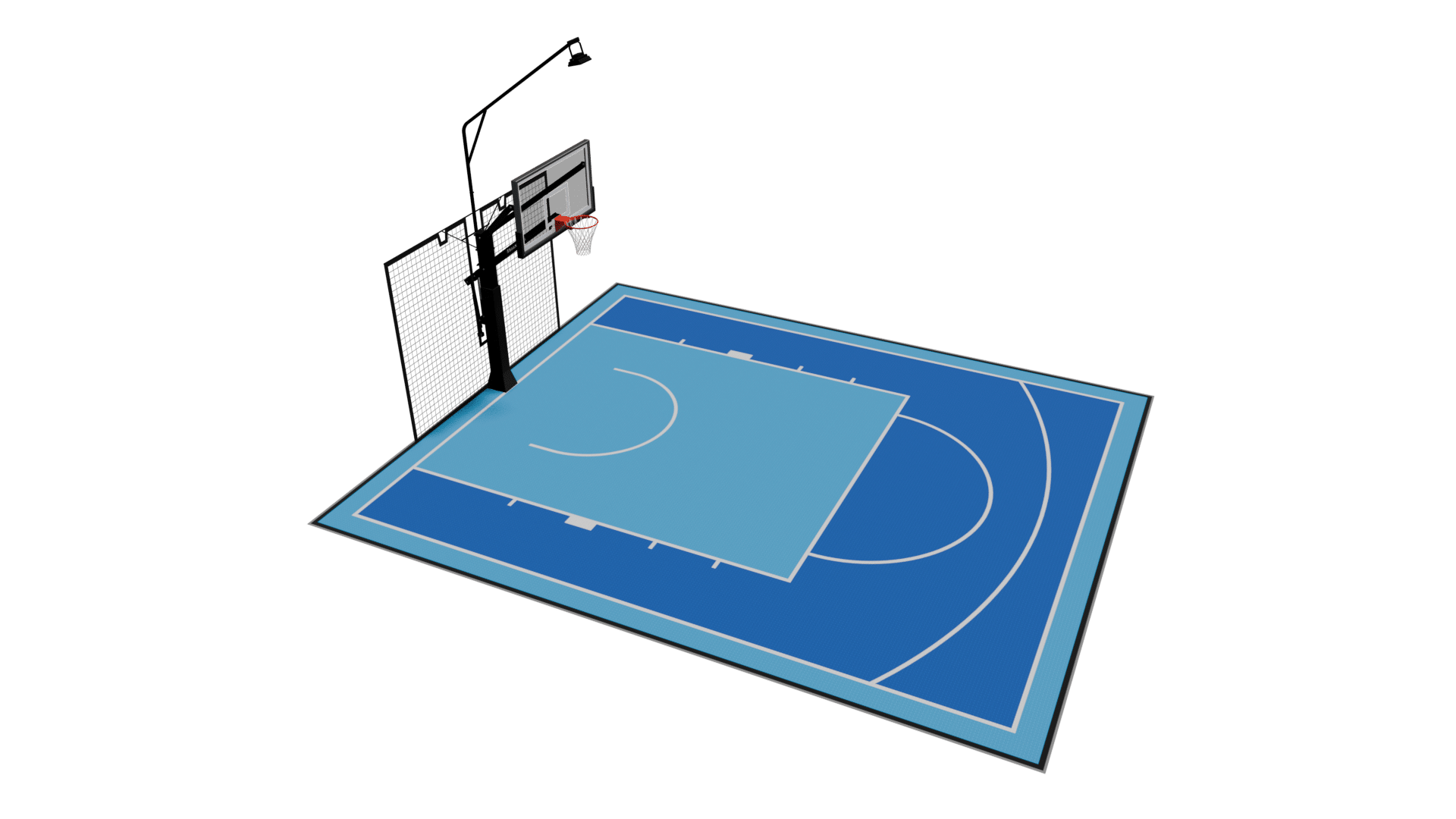
8 x 9.5 m
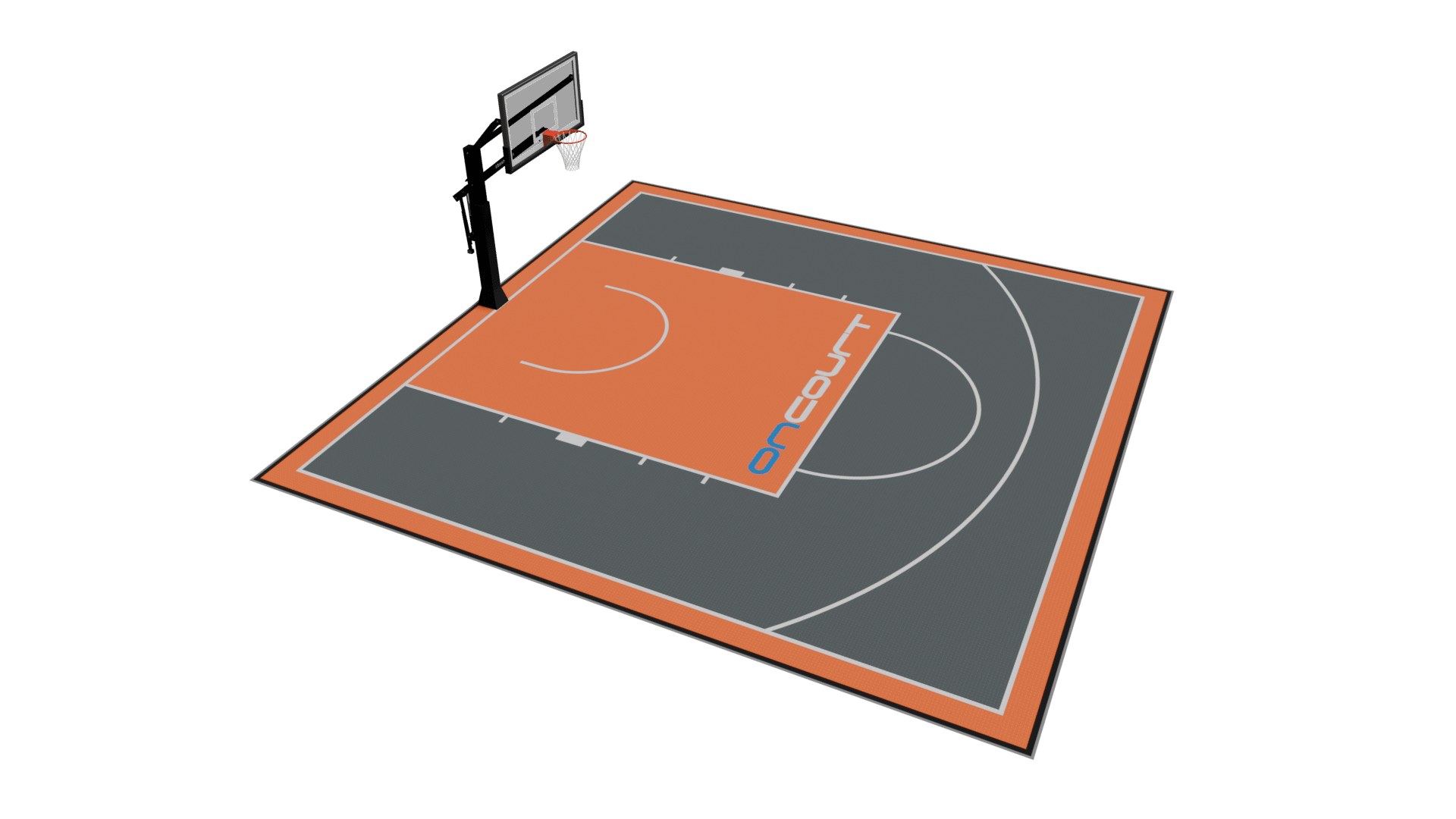
10 x 10 m
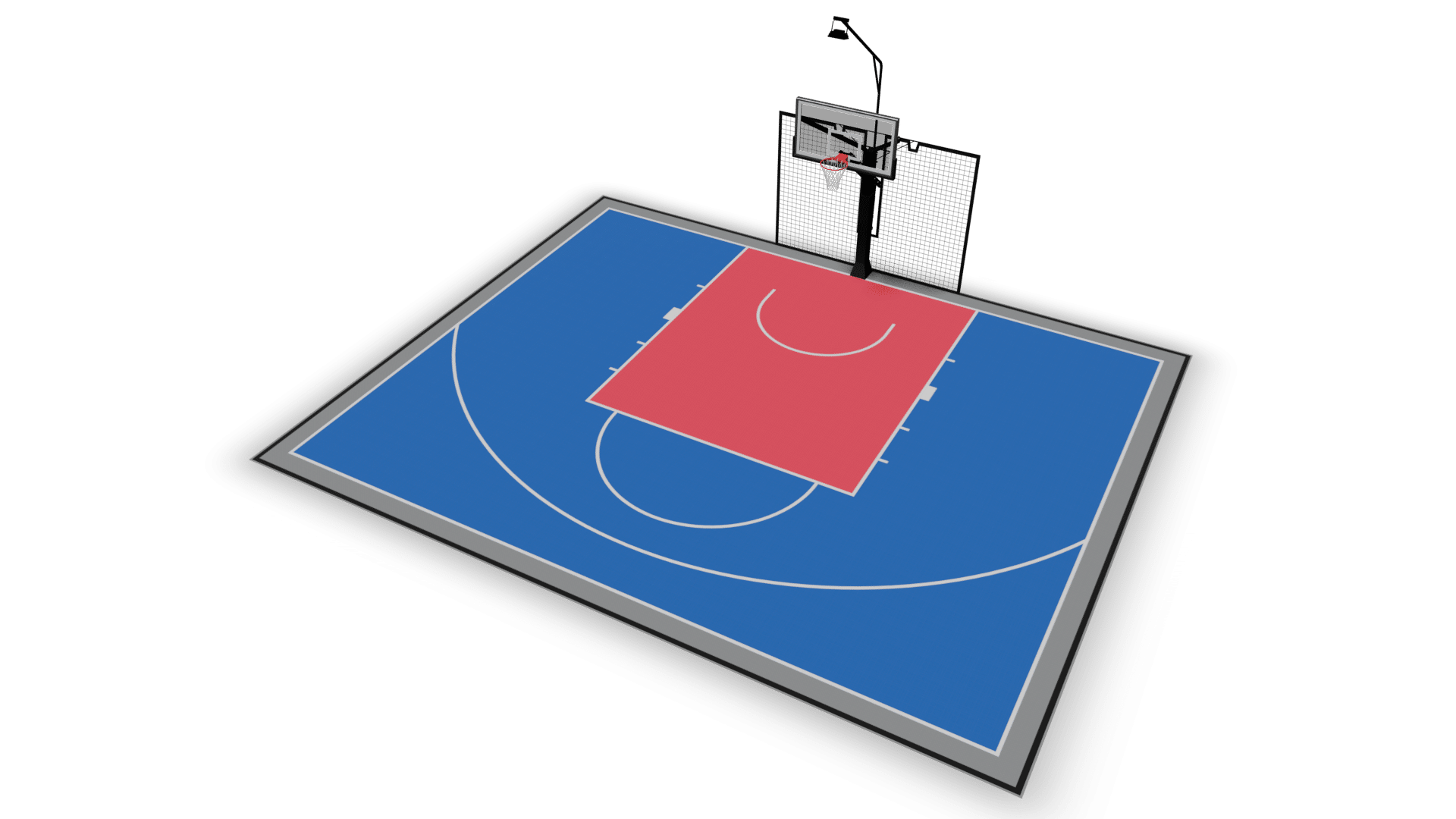
12.5 x 10 m
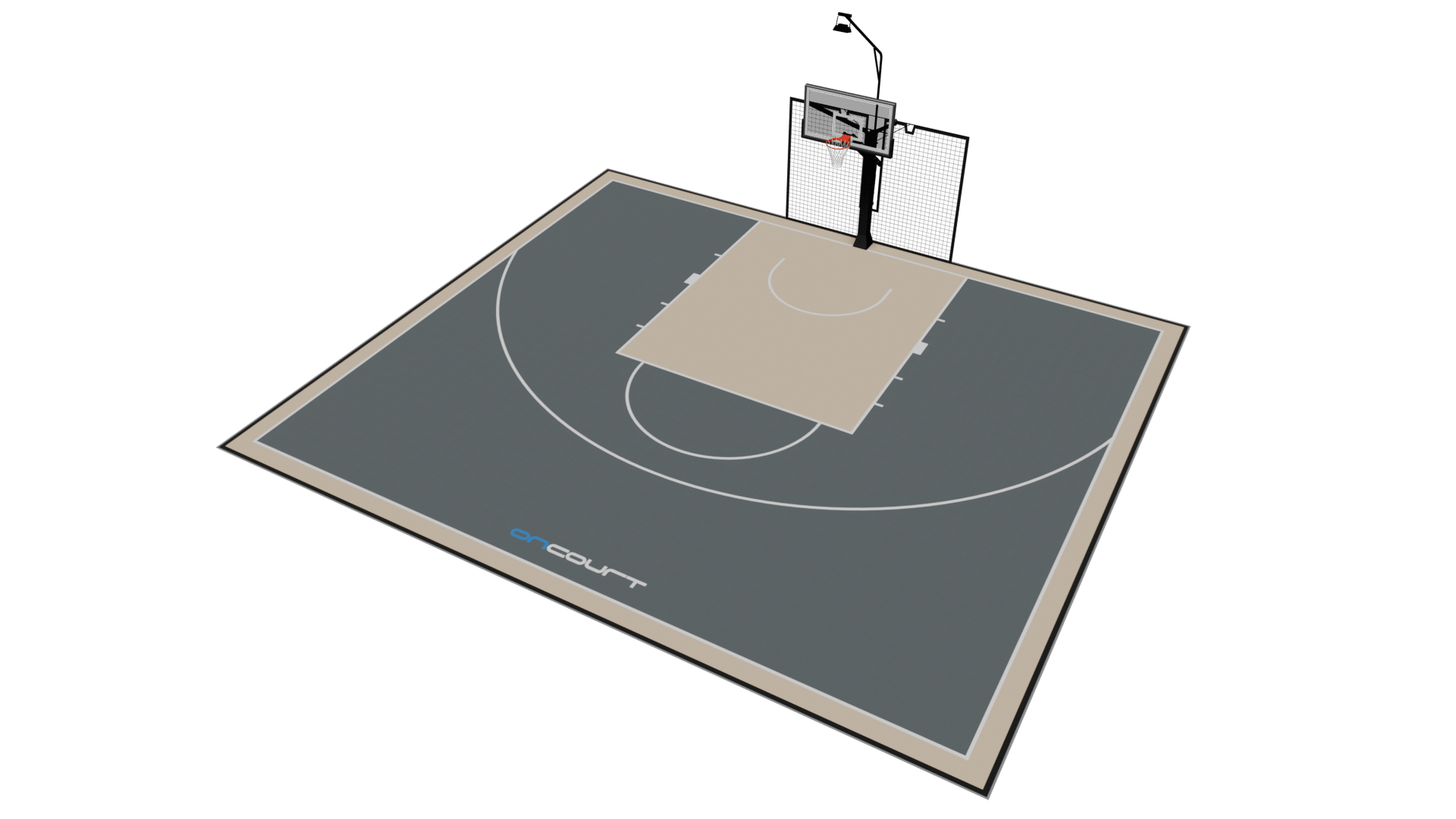
13.5 x 12 m
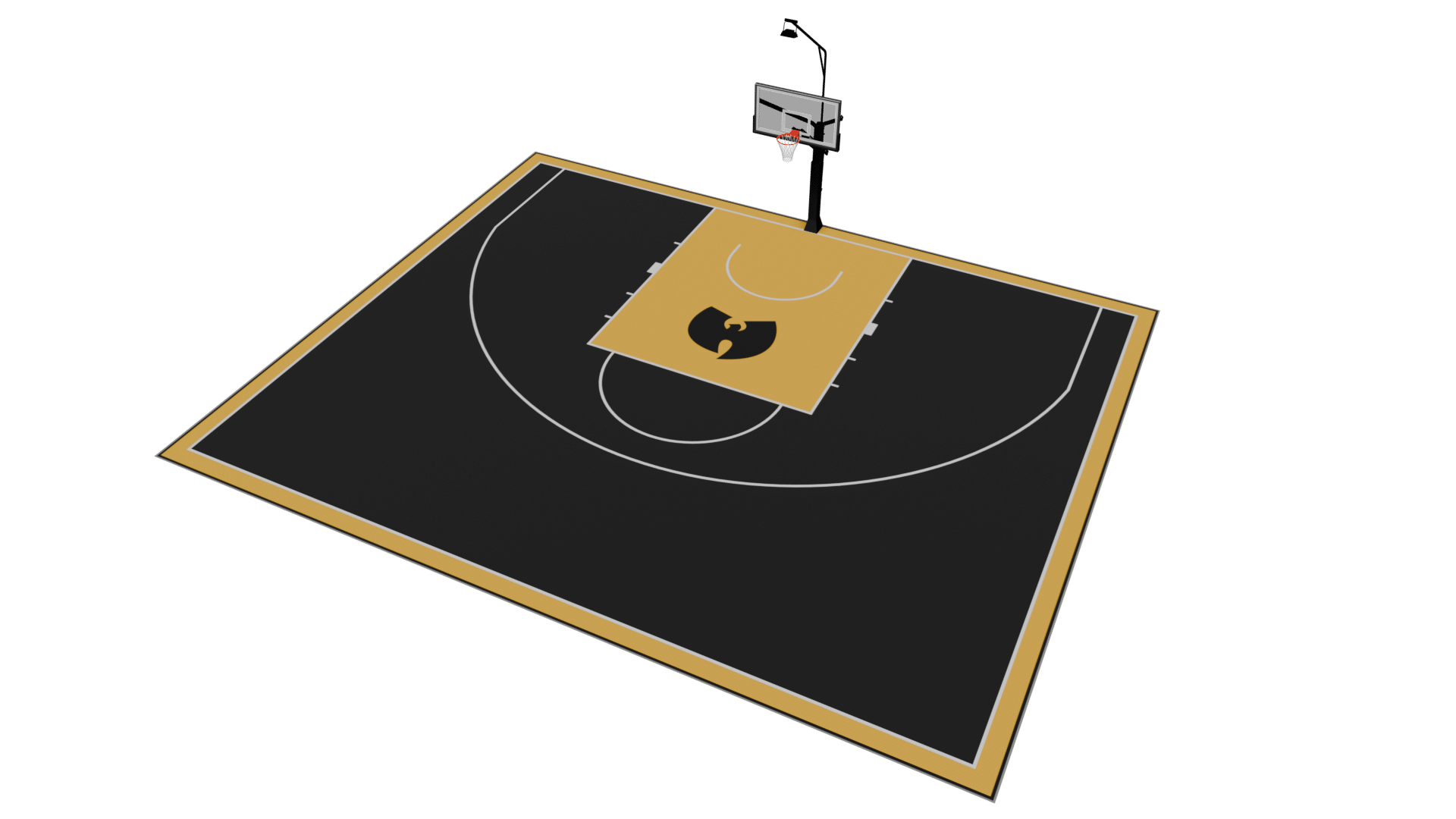
18 x 13.5 m
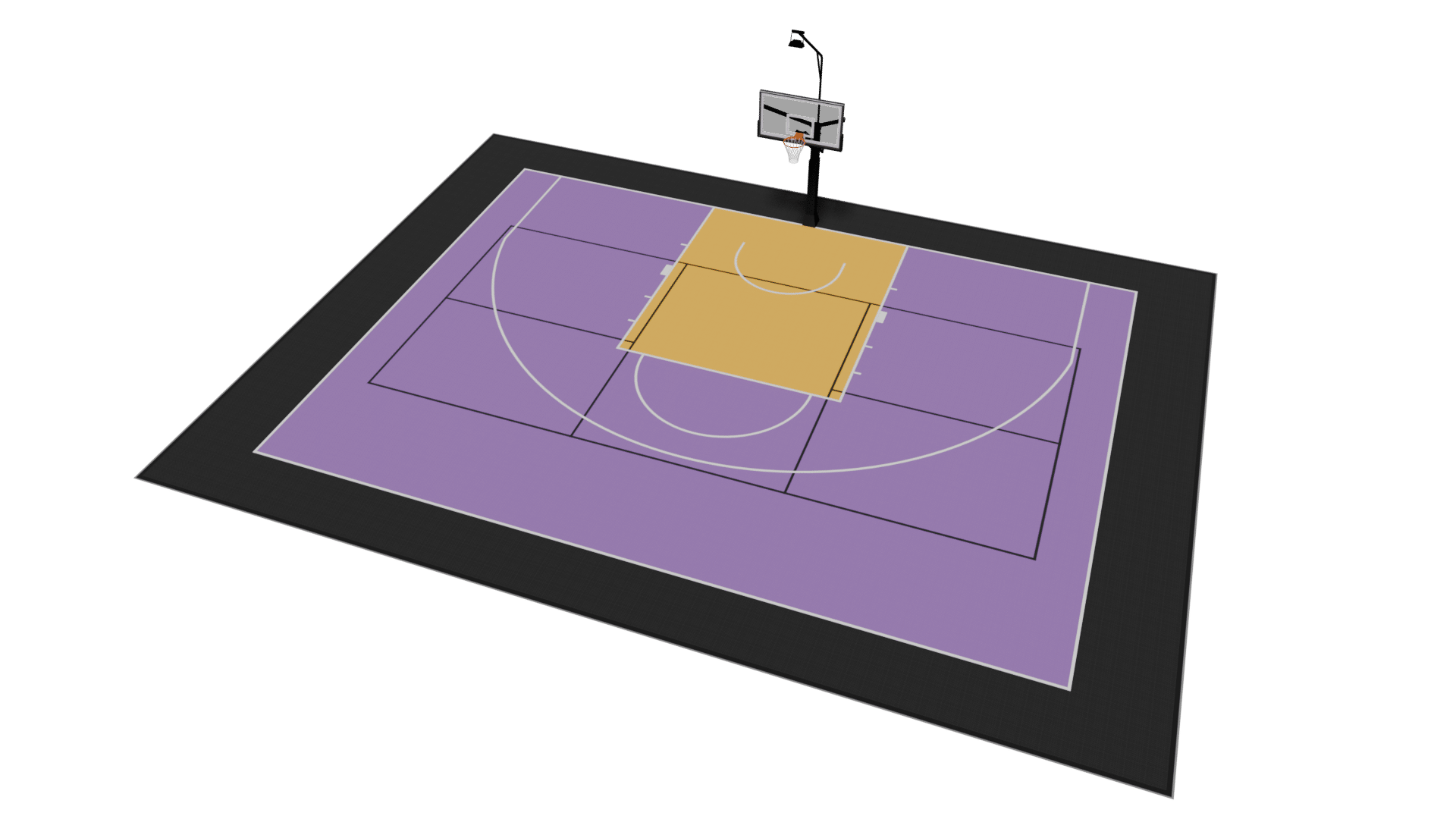
18.5 x 14.5 m
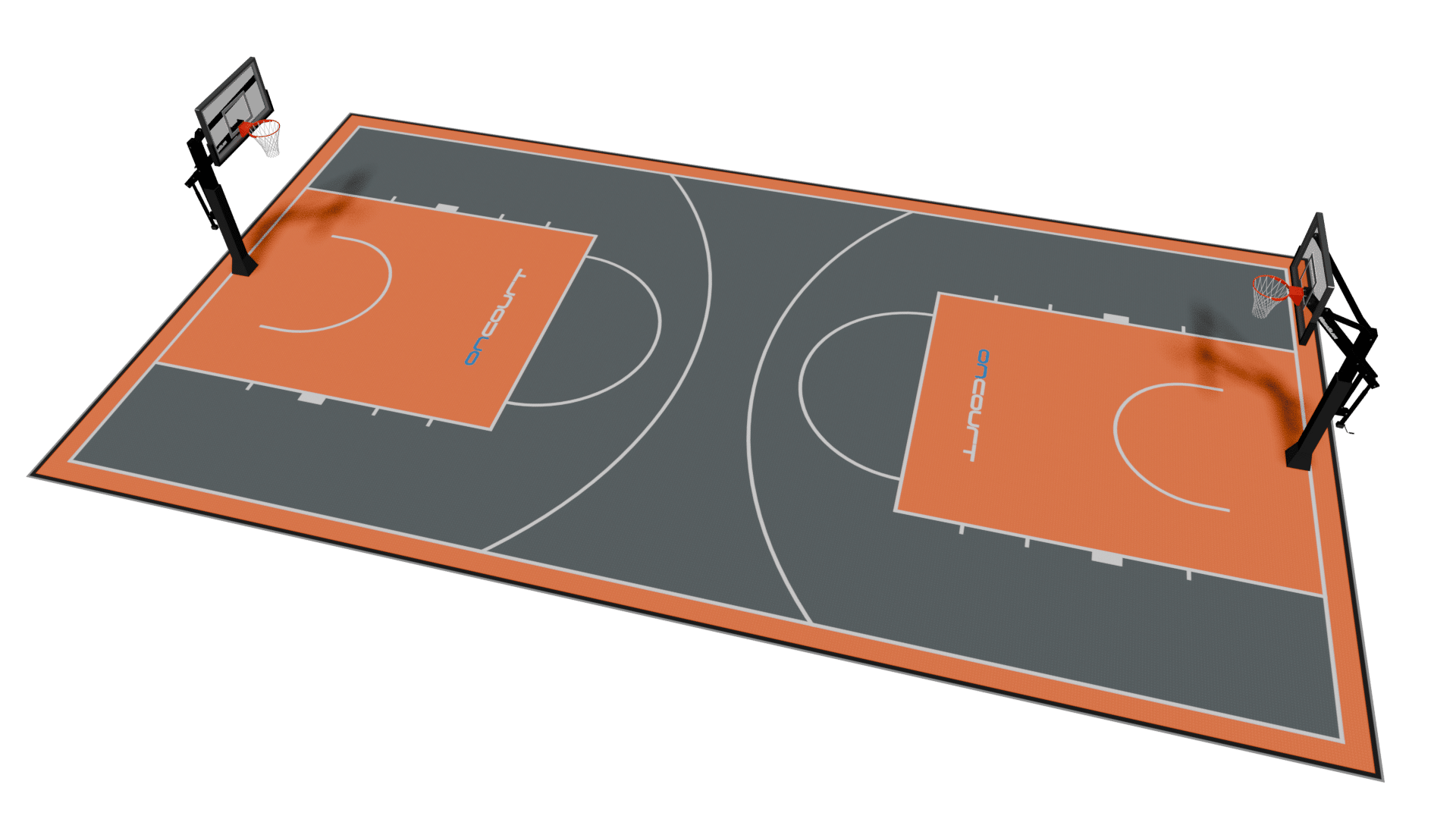
10 x 18.5 m
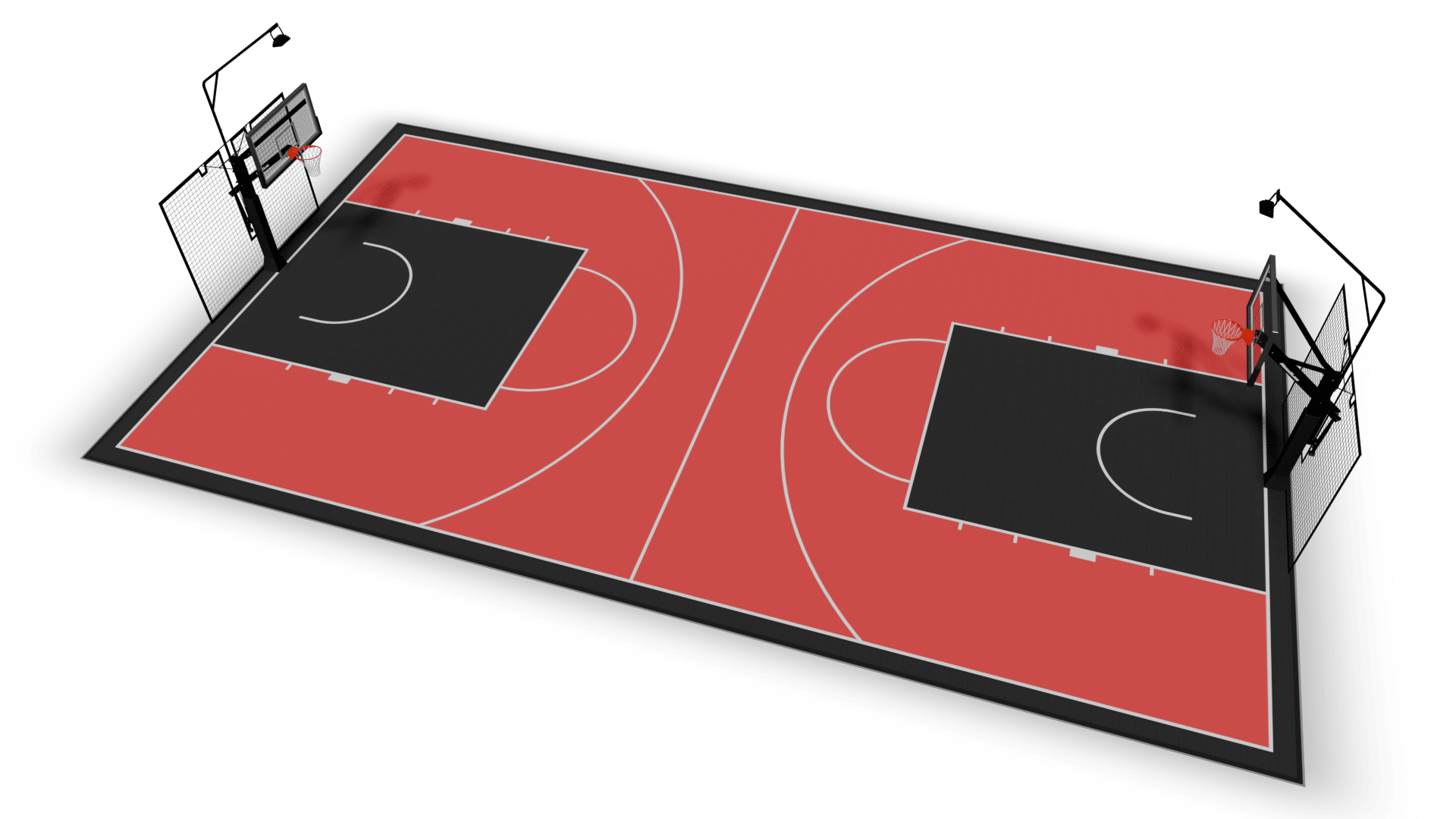
11 x 21.5 m
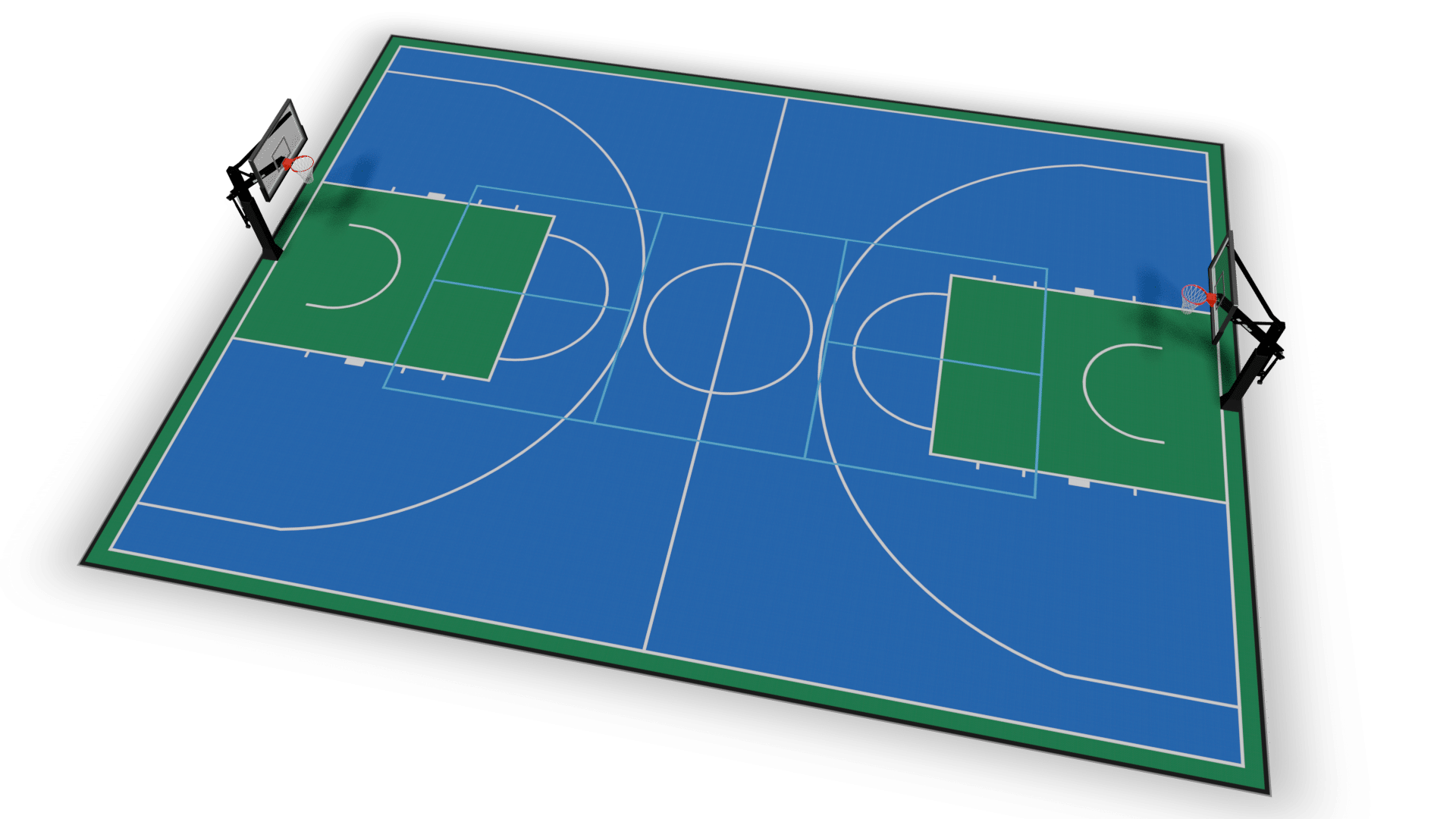
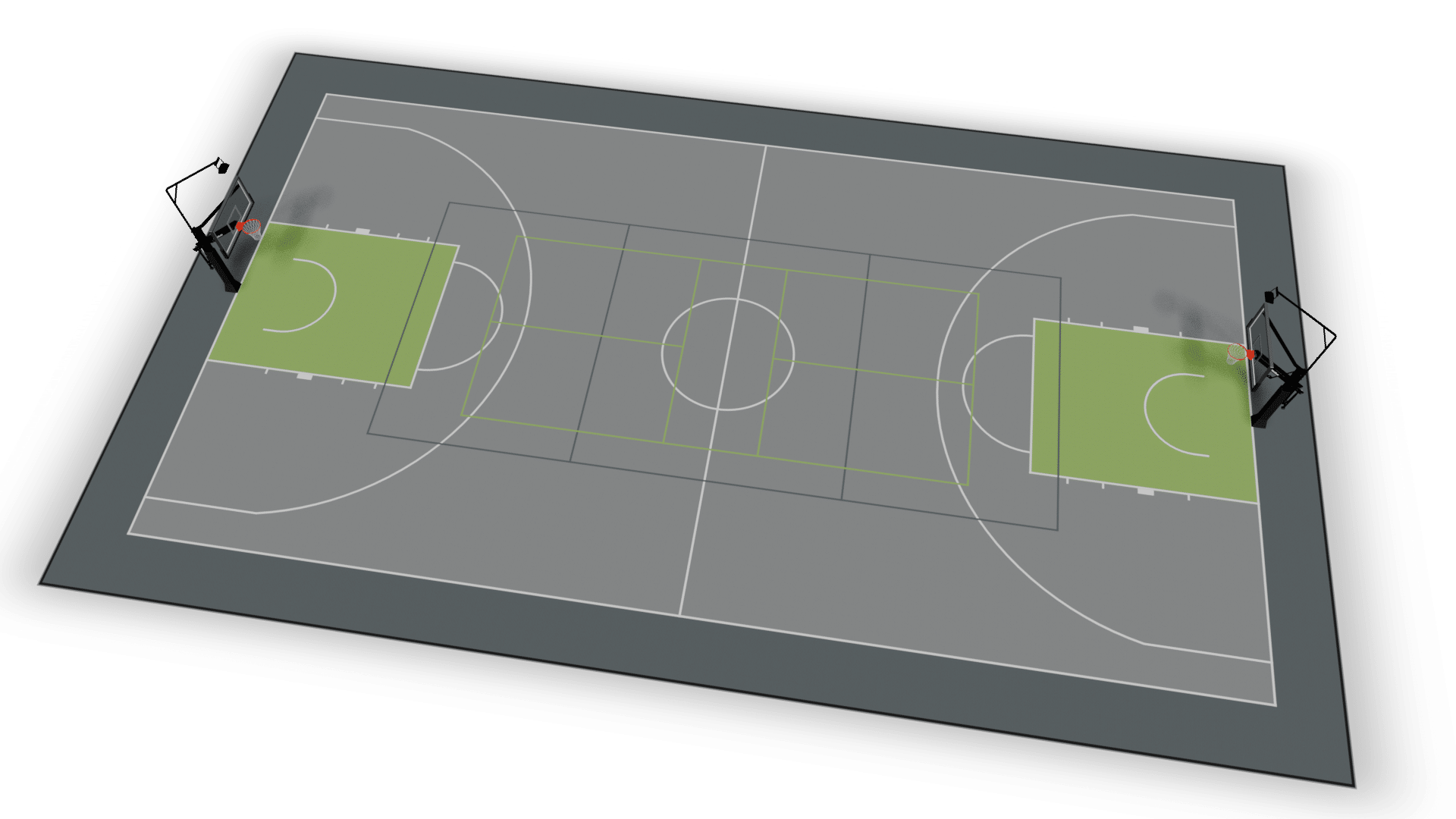
16 x 23.5 m

 English (UK)
  Български
  Čeština
  Dansk
Dansk  Deutsch
  Nederlands
  Español
  Eesti
Eesti  Français
  Ελληνικά
  Hrvatski
  Magyar
  Italiano
  Latviešu valoda
  Lietuvių kalba
  Norsk bokmål
  Português
  Polski
  Română
  Српски језик
  Slovenčina
  Slovenščina
  Suomi
Suomi  Svenska
  Türkçe
  العربية
  Bosanski
  Українська