

How to design a basketball court in 3D
A walkthrough of the OnCourt designer in eight steps, from picking a surface to adding a second sport. You get a realistic preview and a live price before anything is ordered.
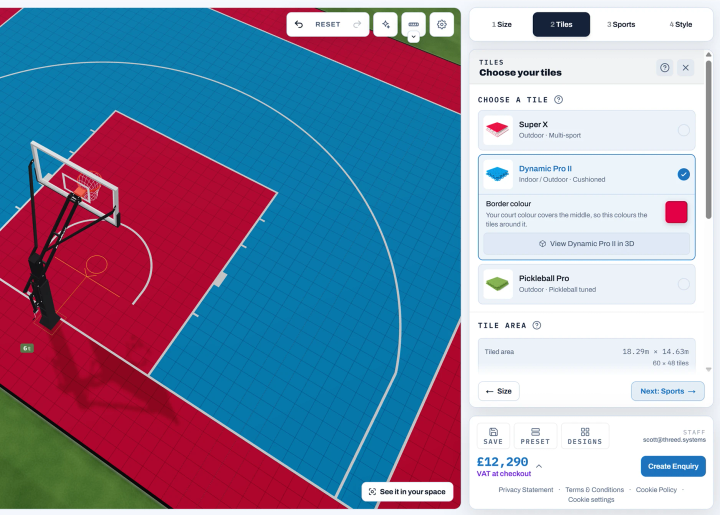
The OnCourt 3D basketball court designer lets you configure a full court layout before committing to any materials or groundwork. Set the court size, choose the surface, apply markings, pick colours and position your hoop — then see the result as an accurate 3D preview with instant pricing. It is free to use, takes around ten minutes, and requires no account.
Eight steps through the designer
The design process follows a logical sequence. Each stage builds on the last, so by the end you have a complete, priced specification ready to discuss with a builder or send directly to OnCourt.
1. Select your surface
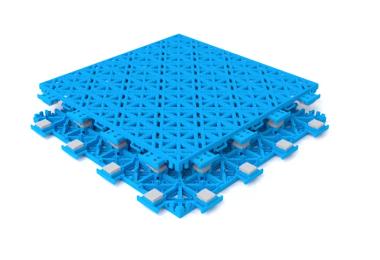
The surface type determines the performance profile of the court. OnCourt tiles are available in several configurations, from entry-level recreational options through to Super X, which meets sport-specific standards for traction, shock absorption and ball bounce. The choice affects both play quality and overall pricing.
2. Set your court dimensions
Adjust length, width and overall footprint to match your available space. The designer enforces minimum playable dimensions for each court format, so the layout will not produce proportions that do not work. Run-off zones are shown separately from the playing surface, making it easy to see the total area required including safe clearances.
3. Apply colours
Set the colour for each zone: the main court surface, the key area, the three-point arc, and any run-off. Colour contrast matters for readability at pace. The designer lets you see exactly how zone combinations look before any tiles are ordered, avoiding colour decisions based on small swatches.
4. Edit line markings
Choose which markings to include. Full FIBA regulation lines, 3x3 court layout, key-only setups for smaller courts, and custom configurations are all available. Lines scale to your court dimensions automatically, so proportions stay correct as you adjust the footprint.
5. Add logos or artwork
Upload a custom graphic to embed in the court surface. Club crests, brand logos and custom designs can all be positioned within the court. The 3D preview shows how the graphic scales and sits within the layout before it is committed to the tile order.
6. Choose your hoop
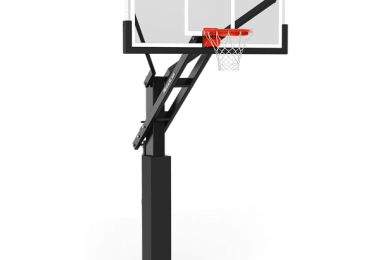
Select a hoop system and position it in the 3D view. The designer shows the post location, overhang distance, and where the basket sits relative to the key — so you can confirm clearances and orientation before specifying equipment or setting a post anchor.
7. Add hoop accessories
Pad sets, wall bracket kits and net options are added at this stage. The preview shows how accessories integrate with the hoop in the context of the full court layout.
8. Include additional sports
If the court will host more than basketball, additional sport marking configurations can be enabled. Tennis, netball and pickleball markings are available. Basketball markings remain the primary layout; additional sports sit within the same surface without compromising the basketball play area.
How 3D design fits into planning
3D design sits between technical layout decisions and final specification. Before designing, the core constraints — available space, court dimensions, hoop position, and drainage gradient — should already be understood. The designer then lets you test how those constraints interact visually before committing to materials or equipment.
This reduces rework. A decision that seems straightforward on paper — surface colour, hoop overhang, run-off zone width — often looks different in a 3D layout. Resolving it in the designer costs nothing. Resolving it after tiles are laid costs significantly more.
Read before you design
Outdoor basketball court planning guide (opens in a new tab)
Court layouts and dimensions (opens in a new tab)
Basketball court installation guides (opens in a new tab)
Design decisions the 3D view resolves
- Balancing playable area with run-off and circulation space
- Choosing surface colours and zone combinations that read clearly at speed
- Positioning the hoop post to maintain safe clearances and correct basket overhang
- Seeing how equipment, markings and surface interact before any groundwork begins
Start from a template
The template courts below are starting points, not finished designs. Each reflects a common court size or spatial constraint. Open any template in the designer and adjust dimensions, colours, surface and equipment from there.
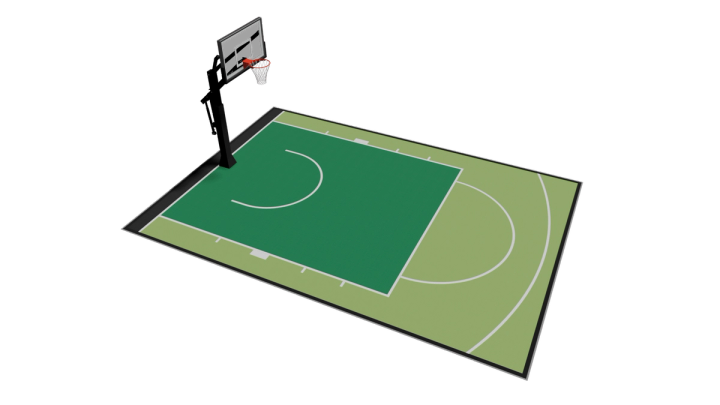
6 × 9 m
Edit this design (opens in a new tab)
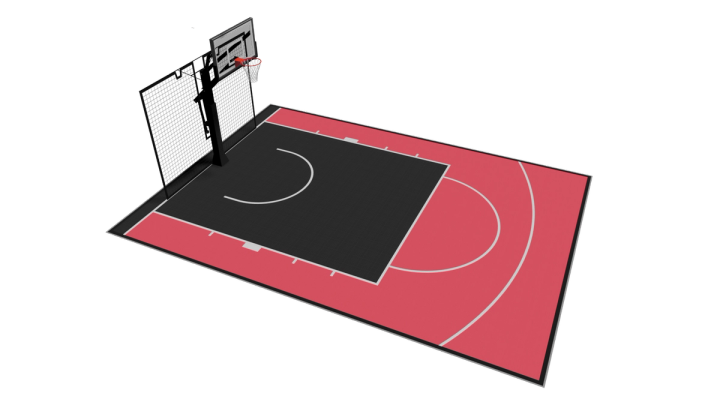
7 × 9.5 m
Edit this design (opens in a new tab)
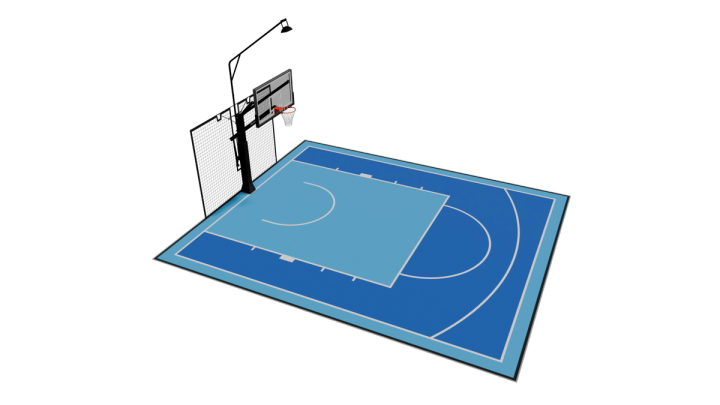
8 × 9.5 m
Edit this design (opens in a new tab)
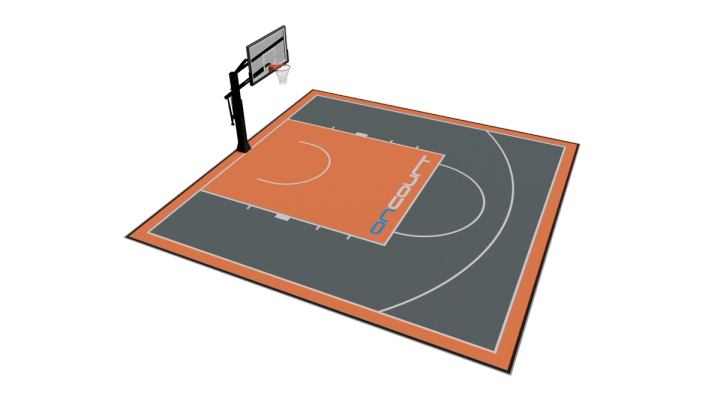
10 × 10 m
Edit this design (opens in a new tab)
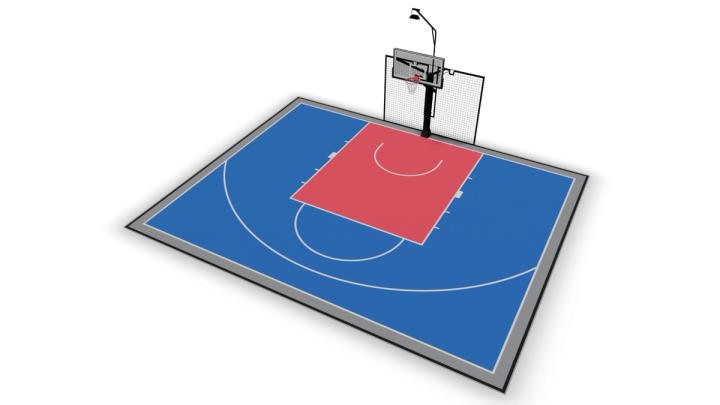
12.5 × 10 m
Edit this design (opens in a new tab)
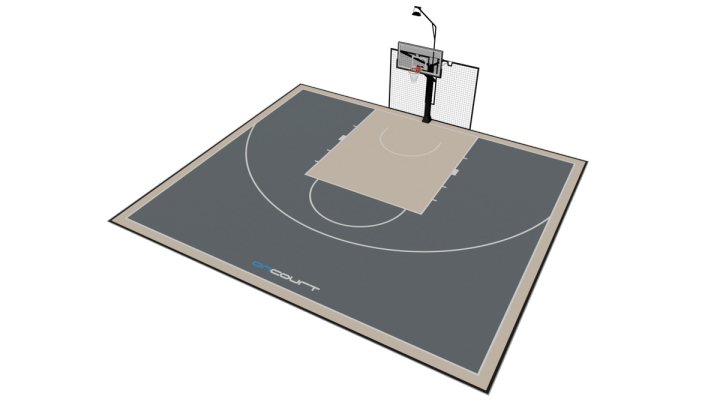
13.5 × 12 m
Edit this design (opens in a new tab)
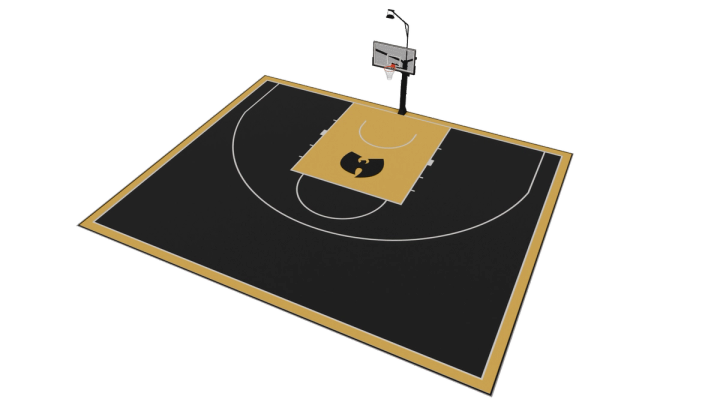
18 × 13.5 m
Edit this design (opens in a new tab)
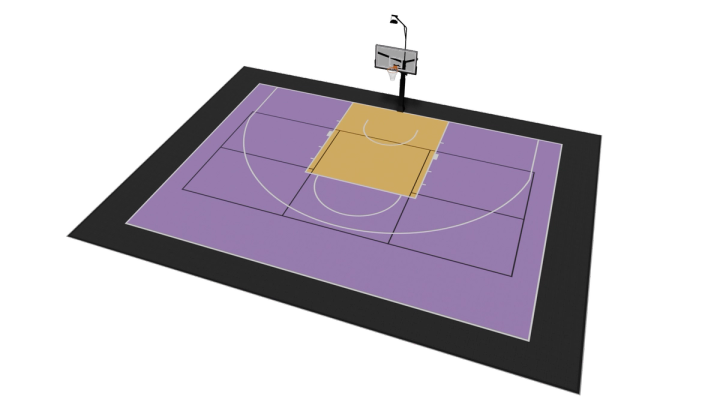
18.5 × 14.5 m
Edit this design (opens in a new tab)
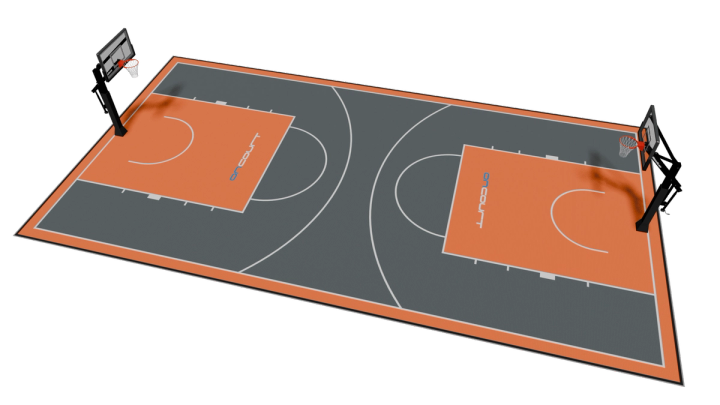
10 × 18.5 m
Edit this design (opens in a new tab)
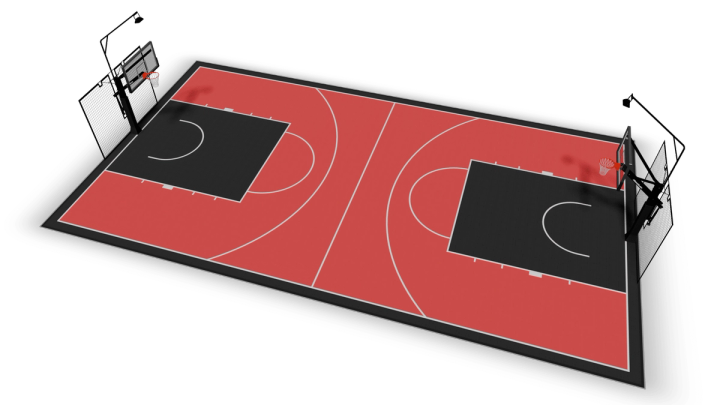
11 × 21.5 m
Edit this design (opens in a new tab)
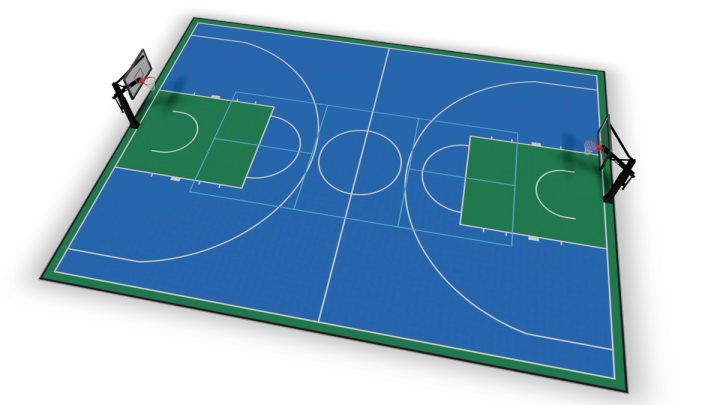
16 × 23.5 m
Edit this design (opens in a new tab)
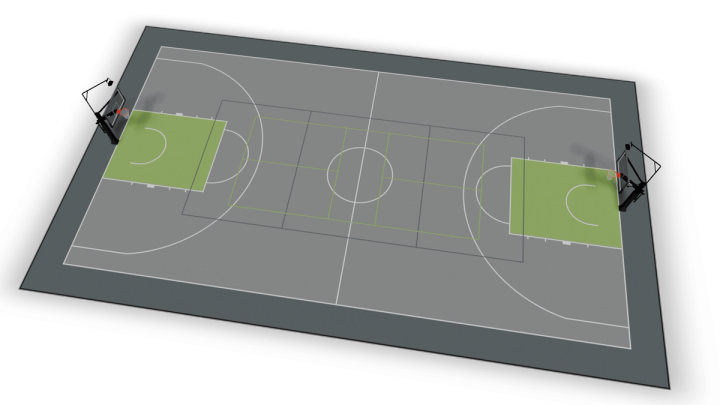
19 × 32.5 m
Related products
Frequently asked questions
View all FAQs →More questions? Browse the full basketball court FAQ